

s3 upload
This block is part of the amazon aws group and was last modified in core v10.4.28.
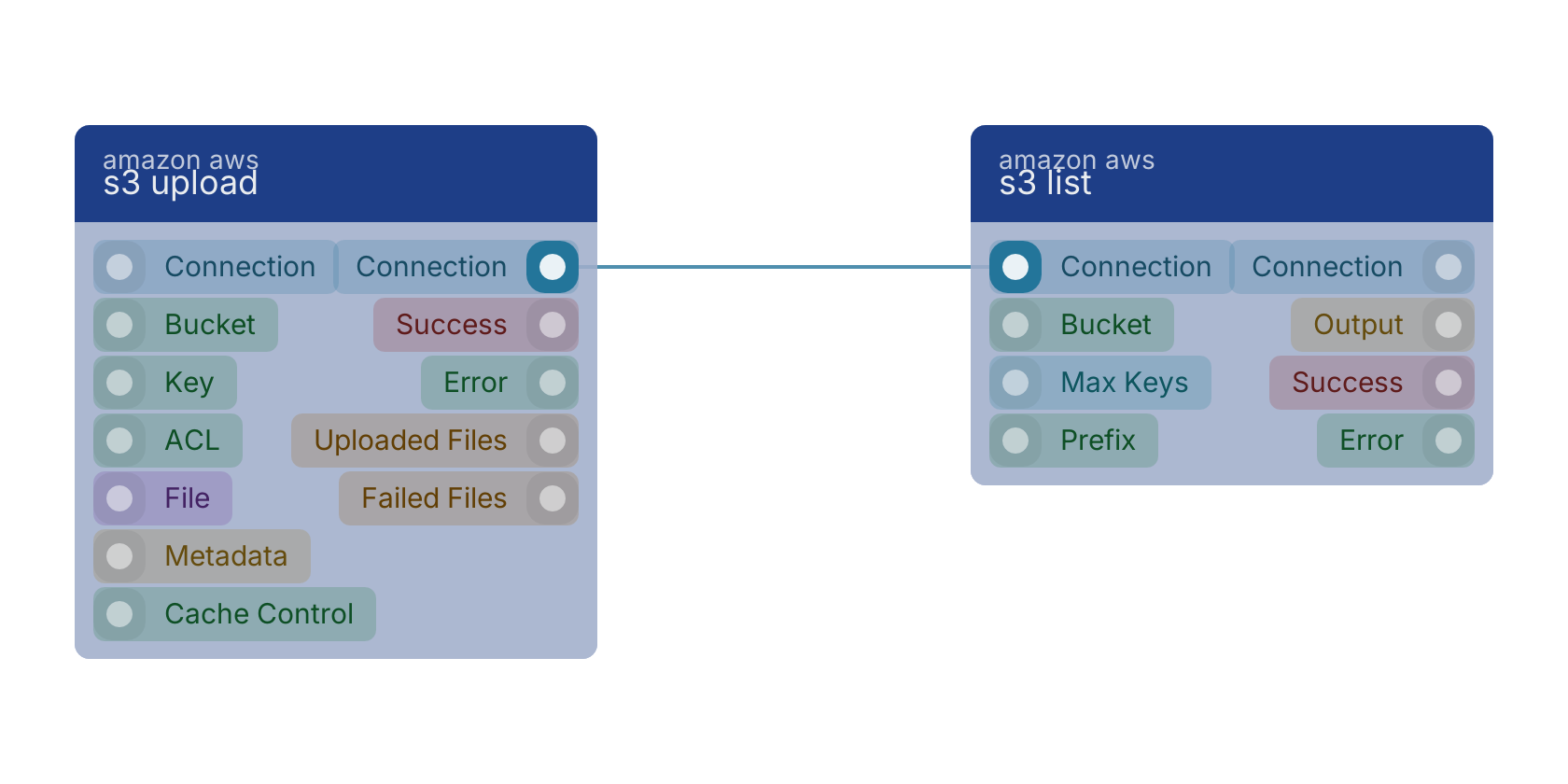
s3 upload v10.4.28 Uploads an object to Amazon S3.
- connection required
awsconnectionThe AWS connection to use for uploading the object
- bucket required
valueThe S3 bucket where the object will be stored
- key required
valueThe full file path on the S3 bucket
- ACL required
valueAccess Control List for the uploaded object. Possible values: private, public-read, public-read-write, authenticated-read, aws-exec-read, bucket-owner-read, bucket-owner-full-control. Default value: private
- File required
fileThe file(s) to be uploaded to Amazon S3. Supports multiple files - each file will be uploaded individually.
- metadata required
objectA map of metadata to store with the object in S3. Metadata format: {
: } - cache control
valueOptional parameter to specify caching behavior along the request/reply chain.
- connection
awsconnectionThe AWS connection used for the upload
- success
conditionCondition indicating whether all files were successfully uploaded to S3
- error
valueError message in case of any issues during the upload process
- uploaded files
arrayArray of successfully uploaded files with metadata including: originalName, s3Key, size, contentType, etag, location
- failed files
arrayArray of files that failed to upload with error information: originalName, error
Version history
Introduced in v10.4.28.
Back to
amazon aws Return to the main group to view all sub-groups Back to amazon aws Return to the group to view all blocks within this group